Budget IPTV means a low-cost IPTV subscription that you can activate in minutes, and IPTV Racoon TV 2026 offers 1-screen plans from $32.99 a month in CAD, with a free 2-hour test on your own TV before you pay. Price is only the first check. This guide also walks you through login, speed, router and device checks, so the plan you pick actually plays in your living room.
How do I start watching after I pay?
Activation is instant. After payment, your login details arrive by email or WhatsApp, either as an M3U link or as Xtream login credentials (server address, username and password). Keep that message open, because you will copy from it in a minute.
Then the setup is simple. Download an IPTV player app on your Smart TV, FireStick or Android box. IPTV Smarters Pro and TiviMate are two common examples. Open the app and enter the login details. The provider also sends a setup clip, so you can follow along on screen.
Once the channel list loads, check the first channels straight away. Flip through a few, confirm the picture and sound, and make sure the guide fills in. If something looks off, message support while you are still in the test window.
How do I enter my Xtream login in an IPTV app?
- Open the app and choose the option to add a new playlist or user. Menu wording changes between apps and versions, so look for the Xtream login choice rather than the M3U one.
- Type the server address exactly as sent. Do not add spaces at the end.
- Enter the username and password. Copy and paste them from your email or WhatsApp message if you can, since one wrong letter means a failed login.
- Save, wait for the channels to load, then open a live channel.
If you received an M3U link instead, paste that single link into the playlist URL field.
Best budget IPTV service: how to judge a low-cost plan
Look at three numbers: the price per month, the number of screens and the length of the plan. Longer plans cut the monthly cost a lot. Here are the 1-screen prices at IPTV Racoon TV 2026, all in CAD:
| Plan length | Total price | Monthly equivalent |
|---|---|---|
| 1 month | $32.99 | $32.99 |
| 3 months | $48.99 | about $16.33 |
| 6 months | $64.99 | about $10.83 |
| 12 months | $96.99 | about $8.08 |
Every plan includes 35,000+ live channels, including Sportsnet and TSN, plus 110,000+ movies and series. You only choose screens and length. Nothing renews by itself, so you are never surprised by a charge.
Pricing in CAD also makes comparison easier. Matching an Indian IPTV service provider quoted in another currency means doing exchange maths, and you may not get Canadian channels at all.
How to run an IPTV service comparison at home
Put each provider side by side and fill in the same short list:
- Monthly cost on the plan length you would really buy
- Screens included (1 to 3 here, while some providers sell 2 to 6 devices)
- A free trial, and whether it needs a card
- A money-back guarantee and how it works
- Your exact device on the compatibility list
- Extras such as 7-day catch-up and a program guide
The trial, the guarantee and the device list tell you more than the price alone.
Best paid IPTV service: what to check before paying
Even a cheap plan can fail. Some low-cost services skip ARM64 optimization, which can cause crashes on newer devices, and an app auto-update broke a login for one buyer on a Fire Stick 4K. Neither shows up on a price page.
So test on the real thing, not a laptop. Use the free 2-hour test on the TV or stick you will actually use, and follow this routine:
- Watch 20 minutes of live sport, such as an NHL game, a CFL game or a Sportsnet broadcast.
- Watch 15 minutes of on-demand viewing, a movie or an episode.
- Note any freezing, audio sync problems and how long the guide takes to load.
- Check CBC and a few other channels you watch daily.
If the service cannot run on your device even after the team's help, the 7-day money-back guarantee refunds the full amount. That is your safety net after you pay.
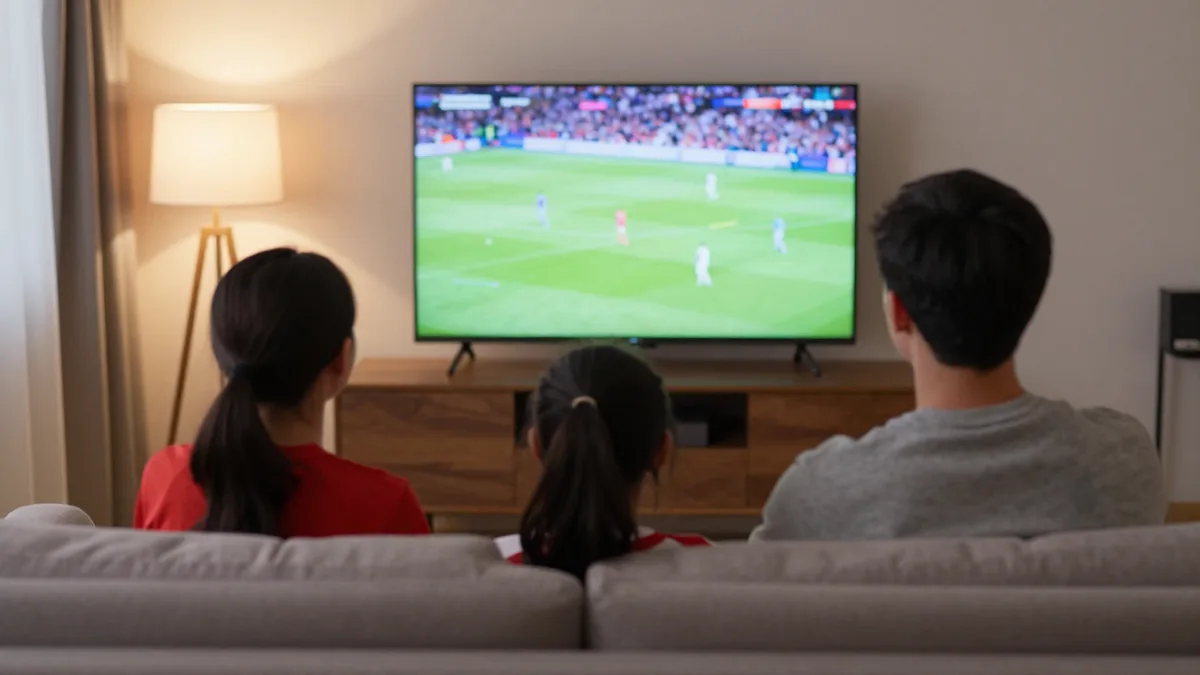
Why does my picture buffer in the evening?
Evenings are busy: everyone streams at once, and your provider's lines get crowded too. Start with bandwidth. One guide says 25 Mbps for HD and 50 for 4K, another 20-25 and 40-50. IPTV Racoon TV 2026 gives a lower floor of about 10 Mbps for HD and 25 Mbps for 4K, but extra headroom keeps a busy house smooth.
Then run through these checks:
- Test at peak hours. Run a speed test between 7 and 10 PM, not at noon.
- Use a cable. Wire the main TV to the router with an Ethernet cable if you can.
- Restart the gear. When the picture freezes, restart the router and the cable modem, then reopen the app.
- Count the traffic. Pause big downloads and other streams during the game.
Sports run at 60 fps, so a fast Saturday night hockey game is a good stress test.
Which device should I choose?
The service is listed as compatible with Samsung, LG and Sony Smart TVs, Amazon FireStick, Apple TV, Roku, NVIDIA Shield, Windows, Mac and Linux. It also works with MAG boxes, Formuler devices, Android TV boxes, PlayStation and Xbox.
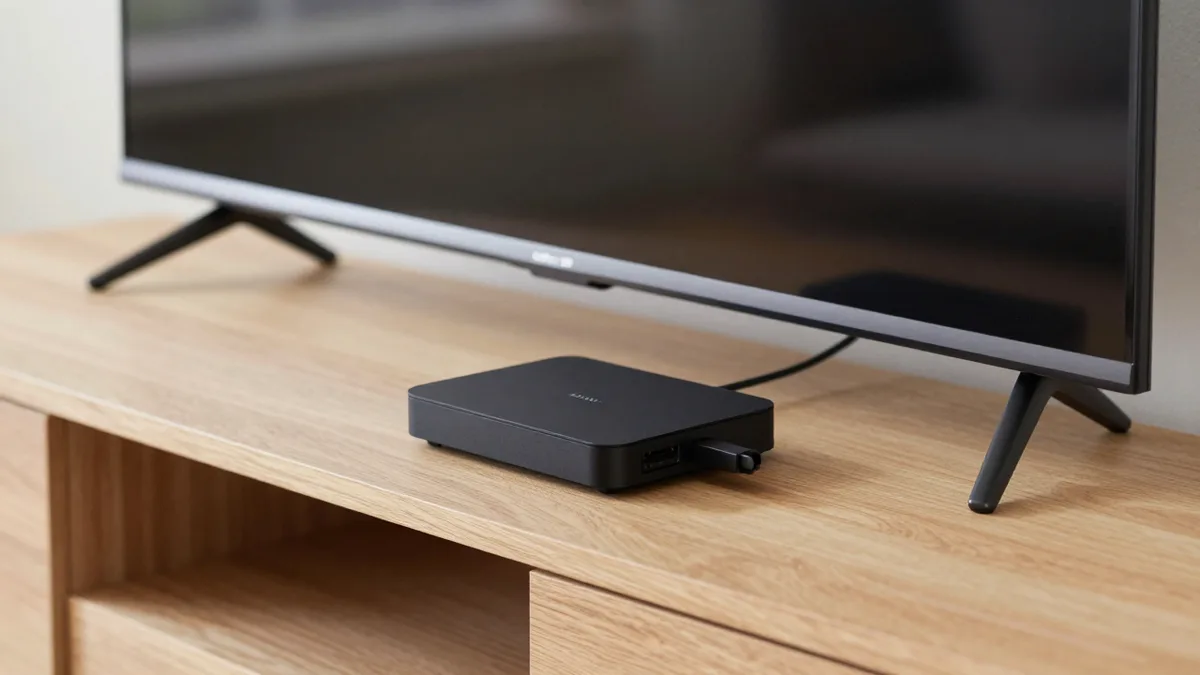
- FireStick: cheap, simple and widely used. Plug it into the HDMI port and install your player app.
- Samsung, LG and Sony Smart TVs: no extra hardware, as long as a compatible player app is available.
- Apple TV: a smooth choice if you already own one.
- Android TV boxes, MAG and Formuler: good for a dedicated living-room box.
One login can cover 1 to 3 screens, depending on the plan you buy. If you are unsure about your model, contact the support team with your device before you order.
IPTV service for Roku: what to check first
Roku needs a compatible IPTV app before anything else. Confirm that a player app works on your exact model, then use the free test to prove it. Hold off on a long plan until the channels play cleanly.
Is a cheaper plan worth it for my living room?
Yes, if it passes your own test. Start with the free 2-hour test: message on WhatsApp, no card needed, and check every channel on your real TV. Pick 1 screen for one room. Look at live channels such as Sportsnet and TSN, and open a few on-demand titles.
Move to a longer plan only after it works, since the 12-month price of about $8.08 a month is where the savings are. Need 2 screens? A 1-month plan costs $59.99, and 3 screens cost $88.99. Support is on 24/7 via WhatsApp, Telegram and email, in English and French, if setup stalls.
Ready to choose? You can compare budget IPTV plan prices and screen options and start with the 2-hour test on your own TV.
Quick answers before you order
How do I enter Xtream Codes (server, username, password) in IPTV Smarters Pro?
Add a new user, pick the Xtream login option, then enter the server address, username and password from your message. Save and wait for the channels to load. Menu names vary slightly by version.
How many Mbps do I need for HD and 4K IPTV?
Buying guides suggest 20-25 Mbps for HD and 40-50 Mbps for 4K. IPTV Racoon TV 2026 lists about 10 Mbps and 25 Mbps as its tip. Aim higher if several people share your network in the evening.
Why does my IPTV buffer in the evening?
Home networks and provider lines are busiest between 7 and 10 PM. Run a speed test then, wire your main TV to the router and restart the router and cable modem. If it keeps freezing, message support.
Can I watch on two or more TVs with one login?
Yes, depending on the plan. IPTV Racoon TV 2026 offers 1, 2 or 3 screens that can play at the same time, each on its own channel.
Does the plan include Sportsnet and TSN?
Yes. Every IPTV Racoon TV 2026 plan includes Sportsnet, TSN and 35,000+ live channels, and you only choose screens and plan length. Use the free test to check the games you care about.
Does an IPTV service India plan work in Canada?
It may play, but it may not carry Canadian channels like Sportsnet, TSN or CBC, and the price will likely be in another currency. Check the channel list, CAD pricing and a device test first.